

Store / Plugins
Contractor Office plugin
Watch it work.
A sample session that types itself out. Amber lines show what Claude reads before it writes.
claude · /estimate from a voice memo
Sample- You: /estimate 16x20 composite deck, 3 ft off grade, one stair run to the yard, picture-frame border
- Claude is reading company profile · markup · 4 past deck jobs in price history
- Claude is building cost sheet · framing · decking · rail · stairs · permit
- Claude: Cost sheet ready. Framing and footings are priced from your last two decks; the rail is marked as an estimate because none of your past jobs used this system. Client proposal drafted with your payment schedule and standard exclusions.
- You: /change-order add a 6 ft privacy screen on the east side
- Claude: Change order #1 drafted: scope, price, schedule impact and the new contract total, plus a short note to the client. Nothing is sent until you send it.
- Estimates and proposals
Site notes or a voice memo become an internal cost sheet and a client proposal ready to sign. Every estimated number is marked.
- Change orders
A numbered change order with price, schedule impact and the new contract total, plus a short note to the client.
- Lead follow-up
A first reply to a new lead with two visit windows and a three-touch follow-up plan.
- Daily logs and sub bids
Field notes to a dated log and a client update; a scope and bid request for each trade, with returned bids leveled side by side.
- Collections and review asks
Friendly, firm and final past-due notices, and review requests sent at the right moment.
- Monthly updates
New versions in your account every month, and a monthly live Q&A for members.
- Start your free trialCheckout through Stripe. Nothing is charged for 14 days, and you can cancel before then.
- Download the pluginSign in at account.commandnine.com and download the current version.
- Set up your company profileA one-time interview saves your markup, payment schedule, exclusions and warranty. Every skill reads it.
- Draft your next estimateEverything is a draft you review before it goes to a client.
Contractor Office plugin questions.
What do I need to use it?
A Claude account that can install plugins. The plugin runs inside Claude; it does not need any other software.
Can I cancel anytime?
Yes. Cancel from your account before the 14-day trial ends and you are not charged. After that, you keep access until the end of the period you paid for.
Does it send anything to my clients?
No. Every estimate, change order and notice is a draft for you to review and send yourself.
Build out the rest of the office.
- ServiceMod-02

AI Office Install
We set up Claude, the Contractor Office plugin and your connectors for your team, then look after it.
Book a consultation - ConnectorMod-03
 Coming soon
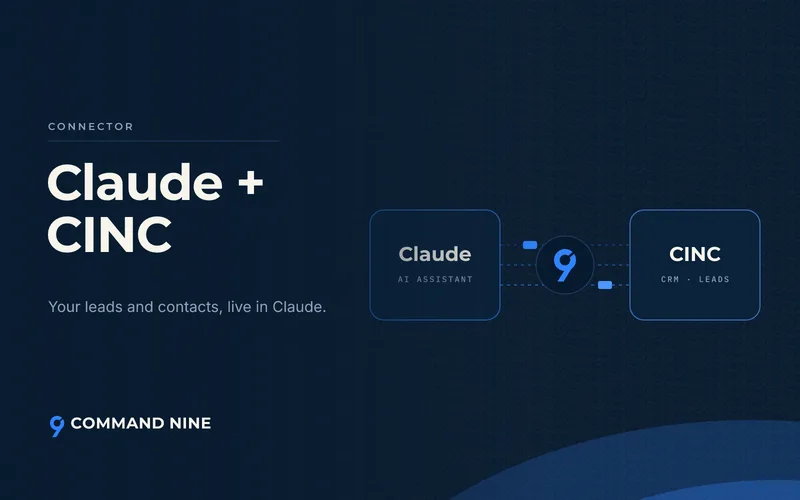
CINC connector for Claude
Claude reads and updates your CINC leads, with a preview before every change.
$49/mo per company, up to 5 users


Want it set up for you?
The AI Office Install puts the plugin and connectors to work for your whole team, on your real jobs.